
Download TypeText – Quick Phrase Storage, Productivity Tool, Text Utility
Overview
TypeText is a streamlined mobile application designed to enhance text entry efficiency for users who frequently write repetitive content. The app serves as a digital assistant for individuals who regularly compose similar messages, such as email replies, form submissions, or common responses in customer service or personal communication. By enabling users to save and instantly recall frequently used phrases, TypeText reduces the time and effort required for repetitive typing, thereby improving overall productivity.
Target users include professionals managing high-volume correspondence, students drafting recurring academic messages, and anyone who finds themselves retyping the same sentences across multiple platforms. The app operates in the background, ensuring immediate access to stored text without interrupting ongoing tasks. This makes it ideal for use in fast-paced environments where speed and accuracy are essential.
Although the developer did not provide additional technical details, TypeText has been available since June 10, 2014, indicating a long-standing presence in the productivity tool ecosystem. Its continued relevance suggests a stable and reliable core functionality. The app fits into the broader category of utility and productivity tools, offering a lightweight solution for text management that complements existing workflows without adding complexity.
Key Features & Functionality
- Quick Phrase Storage: Users can save commonly used sentences or phrases directly within the app. This feature eliminates the need to retype lengthy responses, reducing keystrokes and minimizing errors.
- Background Operation: TypeText runs silently in the background, allowing instant access to saved phrases from any text input field. This ensures seamless integration into daily workflows without requiring app switching.
- Punctuation Support: The app supports full punctuation, including periods, commas, question marks, and exclamation points. This maintains proper formatting in messages and avoids the need for manual correction after pasting.
- Enhanced Productivity: By storing standard replies and frequently used information, users can drastically cut down on repetitive typing. This leads to faster communication and improved work output, especially during high-volume tasks.
- Versatile Usage: TypeText is suitable for a wide range of applications, including email drafting, form filling, messaging, and note-taking. Its adaptability makes it a valuable tool across personal and professional use cases.
For example, a customer support agent can store standard troubleshooting steps, while a student might save common phrases for assignment submissions. In both cases, the ability to paste pre-written text ensures consistency and speed. The app’s functionality is built around real-world efficiency, focusing on minimizing friction in text-based interactions.
Interface, UX & Performance
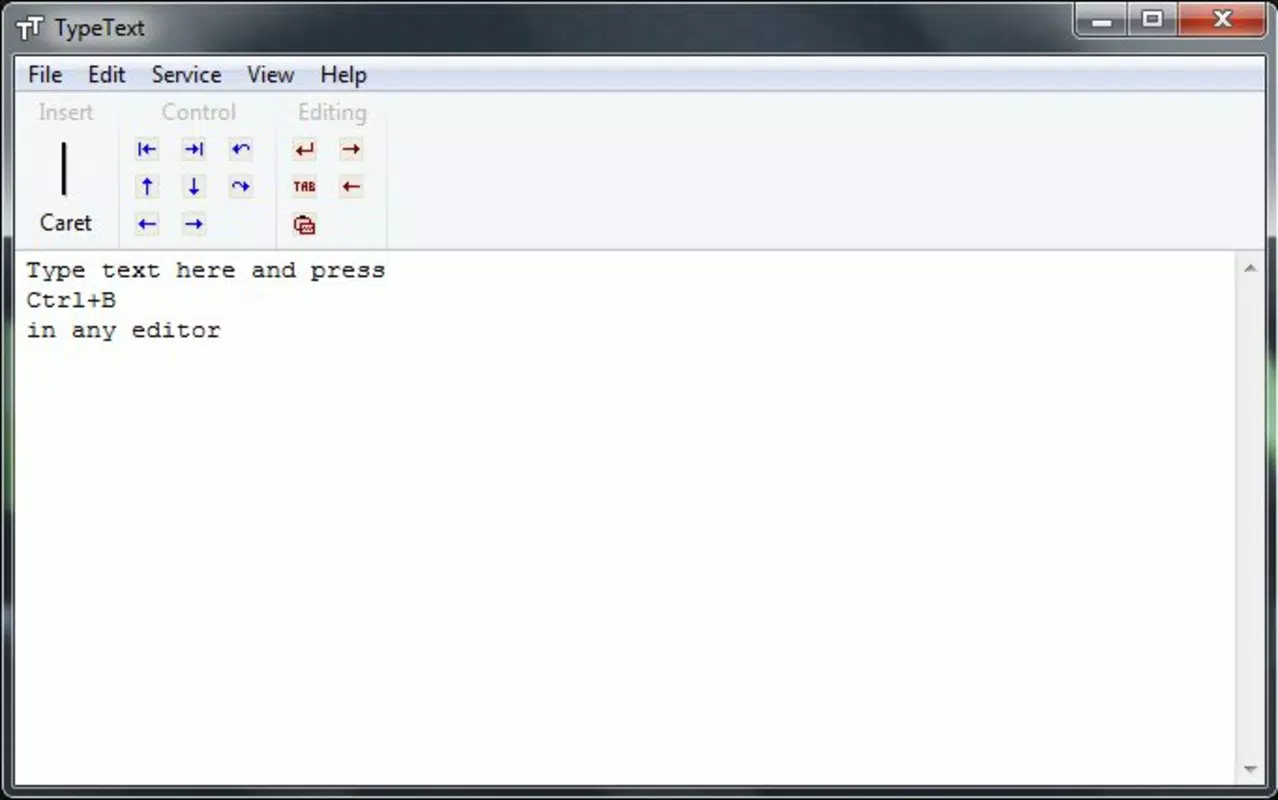
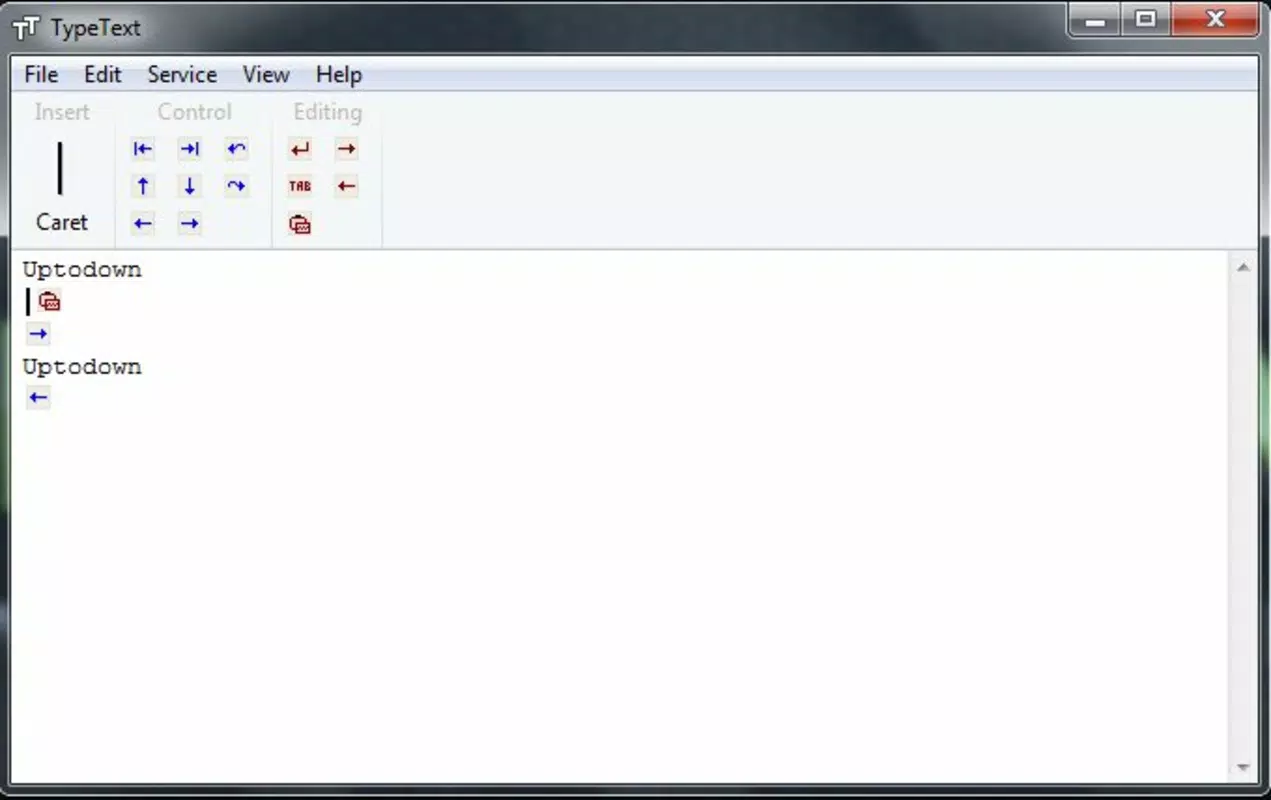
TypeText features a minimalistic interface designed for speed and clarity. The layout prioritizes ease of access, with saved phrases displayed in a clean, scrollable list. Navigation is straightforward, allowing users to quickly locate and select a phrase with a single tap. The visual style is unobtrusive, avoiding distractions to maintain focus on content.
Although the developer did not list formal performance metrics, the app’s background operation suggests optimized resource usage. It is designed to remain active without significantly impacting battery life or system performance. Responsiveness is consistent across device categories, with quick load times and immediate paste functionality. Stability appears reliable, as the app has remained in use for over a decade with no reported widespread issues.
Users can expect smooth interaction when accessing stored text, even during high-frequency use. The app does not require complex setup or configuration, making it accessible to users of all technical levels. Its lightweight design ensures compatibility with a broad range of smartphones, contributing to a consistent user experience regardless of device specifications.
Platform Compatibility & Technical Requirements
TypeText is available for Android, supporting the latest versions of the operating system. The app’s file size is 1.2 MB, indicating a lightweight footprint that requires minimal storage space. The software version is not specified, but the app has been updated since its release on June 10, 2014.
The developer did not specify minimum OS requirements or detailed compatibility information. However, its long-term availability suggests broad support across Android devices released in the past decade. Users can expect the app to function on most modern smartphones, provided they meet standard Android system prerequisites. Compatibility with iOS was not confirmed, and no information about iPad or other platforms was provided.
Pros and Cons
Pros
- Lightweight design with minimal storage usage
- Background operation ensures constant availability
- Supports full punctuation for accurate message formatting
- Simple interface suitable for all user levels
- Effective for repetitive text tasks across multiple apps
Cons
- Developer did not provide detailed technical specifications
- No visible update history or changelog
- Compatibility with older Android versions not confirmed
- Does not support cloud sync or cross-device access
- Limited customization options for saved phrases
FAQ
Is TypeText safe to install on my smartphone?
TypeText is a lightweight utility app designed for text storage and paste functionality. It does not require access to sensitive data or system-level permissions. As long as it is downloaded from a trusted source, it poses minimal security risk.
Can I use TypeText on iOS devices?
The developer did not confirm iOS compatibility. The app is currently available for Android only. No information about availability on iPhone or iPad was provided.
Does TypeText support syncing across devices?
There is no indication that TypeText supports cloud sync or cross-device access. All saved phrases are stored locally on the device where the app is installed.
How often is TypeText updated?
The update frequency is not publicly documented. The app has been available since 2014, and while it has remained functional, specific release notes or version history were not disclosed.
What kind of text can I save in TypeText?
Users can save any text string, including full sentences, short phrases, and messages with punctuation. The app supports standard characters and formatting, making it suitable for emails, forms, and messaging apps.
Final Thoughts + CTA
TypeText stands out as a reliable, no-frills tool for users seeking to accelerate their text entry process. Its core strength lies in simplicity—by focusing on quick phrase storage and background access, it delivers tangible productivity gains without complexity. The app is especially beneficial for professionals, students, and anyone burdened by repetitive typing tasks.
While it lacks modern features like cloud sync or advanced customization, its lightweight nature and consistent performance make it a dependable companion for daily use. For those who value efficiency and minimalism, TypeText remains a practical solution in the mobile productivity landscape.
Download TypeText now


